
Workstations
Workstations should be planned around a complete working position: the task, useful surface, person sitting there and the items kept within reach. Start with that arrangement rather than assume the label describes a particular size or an all-in-one furniture package.
Read moreRead less
Check exactly which components the product supplies. A chair, screen or storage unit shown in a photograph may be separate, and equipment functions should be read accurately. Desks provide the primary surface comparison; office chairs help with seating. Arrange the supplied pieces and stated features around one practical working position, with full room access and material care alongside the layout.
Showing all 2 resultsSorted by recommended
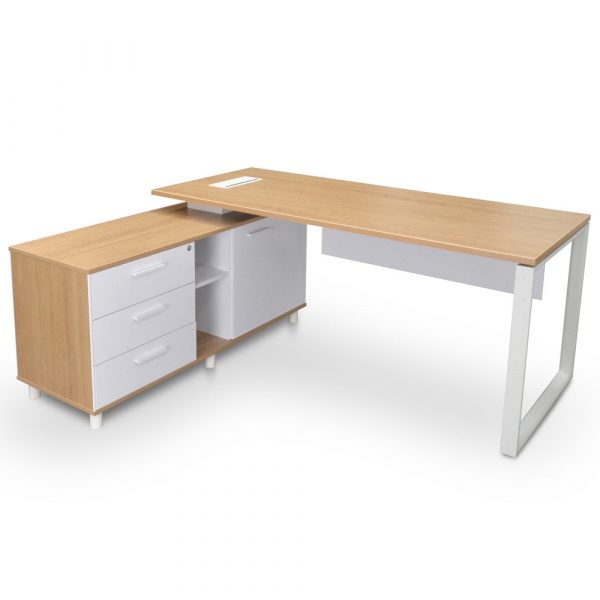

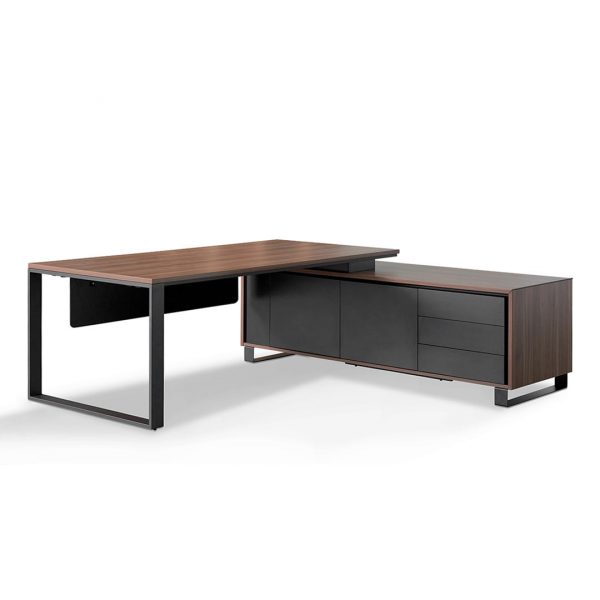
Which tasks define the working position?
List the equipment and materials used at once, including the active area between them. Compare useful width and depth with that setup rather than choosing a top from the largest individual item. If several activities share the workstation, plan how they switch.
Decide which items need nearby storage and which remain on the surface. Office storage helps with that retrieval task. A workstation is useful when the person can work and access contents without repeatedly clearing the arrangement. The label alone should not establish multiple work positions, commercial ratings or another layout; use actual dimensions and stated configuration to choose the setup.
What is included, and what must fit separately?
Read the supplied-piece list and feature description before comparing the whole arrangement. Do not assume a chair, storage, technology or accessories from a styled image. Keep each actual component’s dimensions and intended use clear.
Check seated clearance beneath the top, including supports or integrated storage where stated. Compare chair arms, knees, feet and normal movement alongside that opening. Mobile pedestals offer a desk-side storage comparison when that function is useful. The practical position needs components that fit one another, not a collection of pieces selected independently because they share a workstation photograph or label.
Can the occupied setup operate within the room?
Mark the complete footprint and the person’s movement to sit, stand and leave. Add nearby doors, storage openings and shared walking routes. A neatly parked workstation may use quite different space during the ordinary task.
Verify adjustment, cable arrangements or other required features in the actual description, then follow assembly and securing guidance. Check any workplace requirements against product evidence rather than infer them. Home office desks focus on domestic room use when that is the setting. Choose a workstation whose accurate components, access and care support the routine, with appearance completing the position after practical fit is clear.
Frequently Asked Questions
Explore desks with shelves or desks with drawers only where those stated functions support the working position.